Make My Dog Sing With AI: The One-Photo Way
By the Tiny Desk AI App team · Updated · About us
Short answer: the quickest way is a template built for it. Add your dog's photo to the Lead vocals seat at Tiny Desk AI App, pay $9.98 once, and get an 18-second video of your dog performing "Outstanding" in about 5–10 minutes.
| Way | Effort | What you get |
|---|---|---|
| A ready-made clip like this one | One photo, no prompt | One specific meme, with its song |
| A general AI video app | Write prompts, try several times | Any scene, with variable results |
| A talking-photo app plus your own audio | Find audio, sync it, edit | Only the mouth moves, usually |
Step by step
1. Pick a clear photo of your dog. 2. Add it to the Lead vocals seat. 3. Tick the box and sign in with Google. 4. Pick a pack and wait about 5–10 minutes. 5. Download the MP4.
Create your video
1Your photo
Tap a seat and add a photo: you, a friend, a coach or your dog. Empty seats keep the AI band.
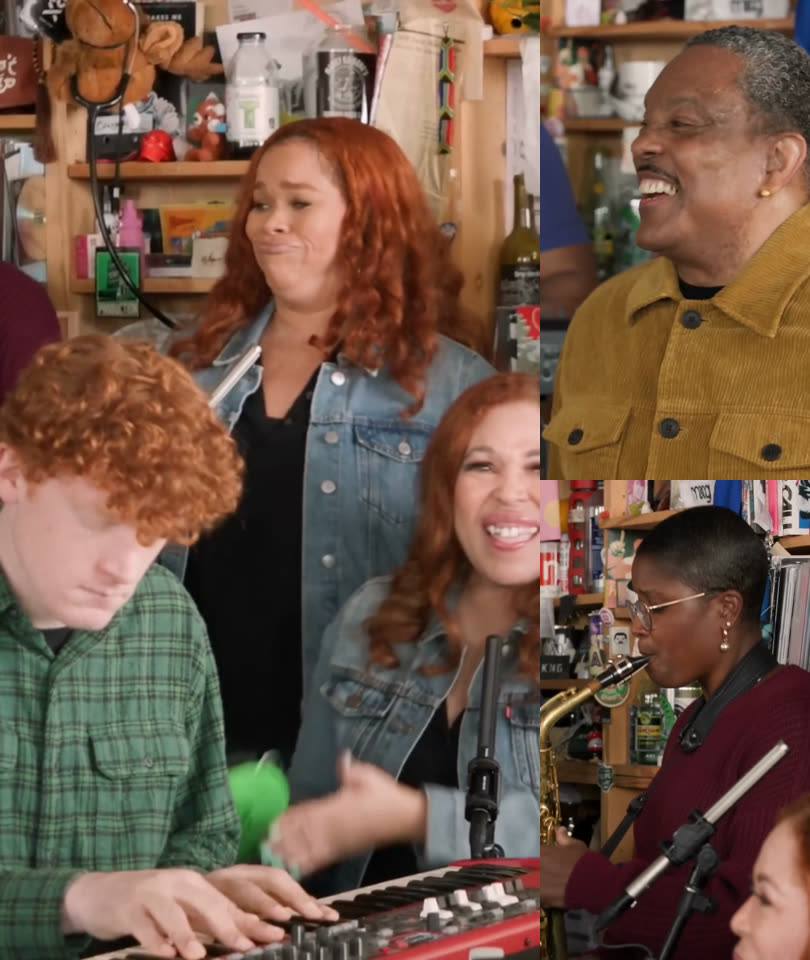
One face per photo, clear and facing the camera. Your video is 18 seconds with the original song and takes about 5–10 minutes. You can close the tab; we email you when it is ready.
Tips for a better result
Use a sharp photo with the whole head in frame and even light. Avoid heavy filters and photos with several animals in them.
FAQ: is there a free way?
Not for a full render here. If you just want something to send, we have free Outstanding GIFs.
FAQ: can I use my own song?
No. This tool only makes the "Outstanding" clip. For a custom song you need a general AI video app.
Who's on lead vocals?
Cast your band